01
Add an account
Scan a QR code, import a screenshot, or enter a setup key.

Private 2FA code manager for iPhone
Scan QR codes, import authenticator screenshots, add backup keys manually, and keep offline OTP and TOTP codes ready in one private vault.

The app focuses on fast setup, private storage, and reliable access when a service asks for a time-based verification code.
Scan 2FA QR codes and save OTP accounts quickly when setting up email, banking, work, shopping, and gaming logins.
Import authenticator screenshots and saved QR code images when you are moving accounts or recovering setup details.
Generate offline TOTP and OTP codes while keeping authenticator secrets protected on your Apple devices.
Add recovery keys and manual setup codes for services that provide text-based authenticator credentials.
Use device-level access controls to keep verification codes available to you and blocked from unauthorized access.
Keep your authenticator vault available across Apple devices with iCloud sync when you choose to enable it.
The product screenshots show the main security jobs: setup, code access, lock protection, and sync.

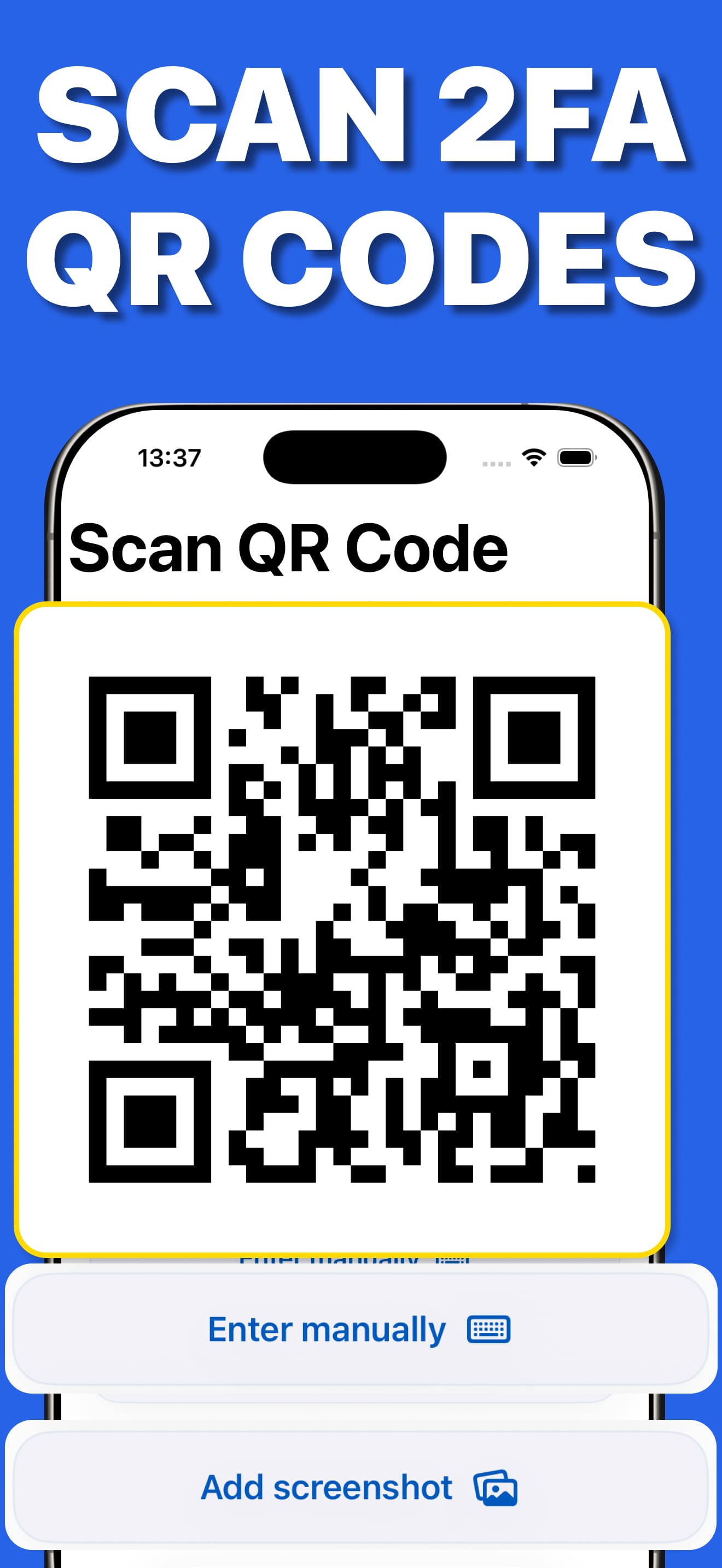


Use Authenticator App 2FA for personal, work, shopping, banking, and gaming accounts that support OTP or TOTP verification.

Start with an idea, let the app handle the heavy lifting, and export a result you can use.
Scan a QR code, import a screenshot, or enter a setup key.
TOTP codes refresh every 30 seconds with no internet needed.
Protect the vault with Face ID; nothing leaves your device.
Enable iCloud sync so your codes survive a lost or upgraded phone.
Practical guides for the most common workflows, questions, and setup decisions.
A beginner-friendly walkthrough of setting up 2FA on any account: enabling it in account settings, scanning the QR code, and storing codes safely in an authenticator app.
Read guideMoving 2FA codes to a new phone without getting locked out: iCloud sync, screenshot import, and backup keys — the three-path migration guide.
Read guideIf an authenticator cannot import a QR image, fix the screenshot, confirm it is a TOTP enrollment code, or use the manual setup key without risking a lockout.
Read guideLearn what a TOTP QR code contains, why authenticator codes usually change every 30 seconds, and how they work offline without sending a message.
Read guideSMS codes can be intercepted and SIM-swapped; authenticator codes are computed offline on your device. A plain comparison — and when SMS is still fine.
Read guideShort answers to the questions people ask before choosing the app.
In the account's security settings, choose authenticator app as your 2FA method — the site shows a QR code. Open Authenticator App 2FA, scan the QR code, and the app starts generating 6-digit codes for that account. Enter the current code once to confirm, and save the backup key.
Learn more →With Authenticator App 2FA, enable iCloud sync and your vault appears on the new iPhone automatically. No sync? Import screenshots of your old QR codes or re-add accounts with saved backup keys — all three paths are built into the app.
Learn more →Keep the existing authenticator and account session active. Retry with the original, uncropped screenshot showing one complete QR code and its white border. If it still fails, use the service's manual TOTP setup key, verify a new code, and only then remove the old setup.
Learn more →A TOTP QR code is an enrollment image containing a permanent secret key plus account and timing details. An authenticator stores that secret and combines it with the current time to calculate a short code, usually six digits that changes every 30 seconds. The QR image is not the rotating code itself.
Learn more →Yes. SMS codes travel through the phone network and can be stolen via SIM-swap attacks or interception; authenticator codes are computed on your device and never transmitted. Security experts and most services now recommend app-based 2FA over SMS.
Learn more →Yes, Authenticator App 2FA is free to download and use for generating 2FA codes.
Yes — TOTP codes are generated on-device and work in airplane mode, with no internet or phone signal required.
Yes — it generates the same standard TOTP codes for any service, adds Face ID locking, and supports iCloud backup so you don't lose codes when you change phones.