
Bring Old Photos Back
AI photo restoration for faded family memories.
Read the guide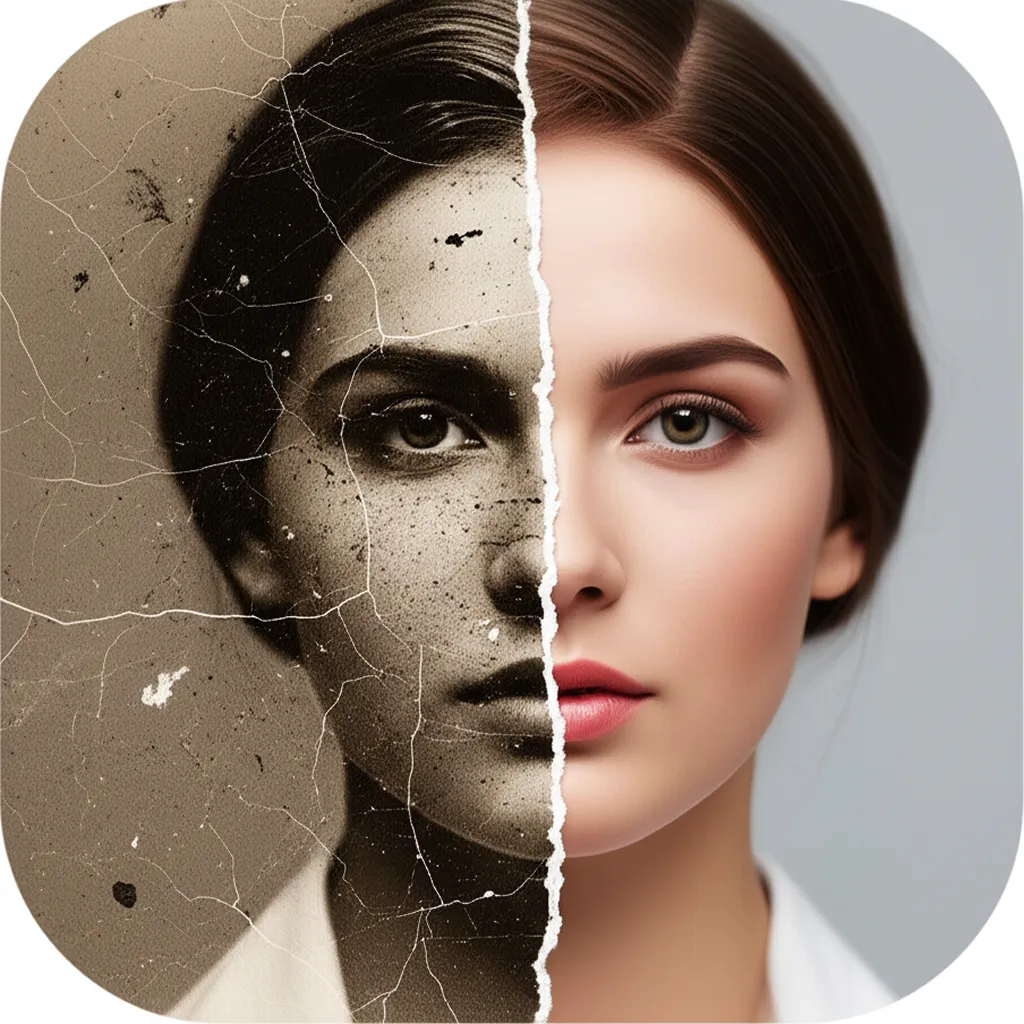
Restore, colorize, and enhance your precious memories with advanced AI technology. Repair damage, remove scratches, add vibrant colors, and transform faded photos into stunning high-quality images that preserve your family history.

Inside Photo Restore
Explore real app previews for restoration, colorization, damage repair, face clarity, and enhancement. Each screenshot opens a practical guide to getting a faithful result.
AI photo restoration for faded family memories.
Read the guide
Turn black-and-white photos into vivid, believable color.
Read the guide
Restore scratches, tears, creases, and damaged photos.
Read the guide
Unblur photos and sharpen precious faces without losing identity.
Read the guide
Enhance old photo quality in one tap, then verify the result.
Read the guide
Revive old family photos with lifelike color, clarity, and context.
Read the guide
Restore, repair, and enhance the photos you love on iPhone.
Read the guideEverything you need to restore, enhance, and colorize your old photos with AI-powered precision
Upload your old, damaged photos and watch our AI automatically repair tears, scratches, and stains. Restore missing parts and enhance image quality to bring your memories back to pristine condition.
Transform black and white photos into vibrant, lifelike images. Our AI analyzes the scene and applies realistic colors based on historical context and advanced color prediction algorithms.
Upscale resolution, sharpen details, and improve overall image quality. Remove noise, adjust contrast, and enhance clarity to make your restored photos look better than ever before.
Our advanced photo restoration technology brings decades of expertise into a simple, powerful app. Repair damage, add color, and enhance quality to transform your old photos into treasured keepsakes.

Guides on restoring old, faded, torn, and water-damaged photos like a pro.

Restore ancestor photos while preserving originals, captions, uniforms, dates, provenance, and a clear boundary between repair and invention.
Read More
Repair fold lines in the right order, protect facial landmarks and clothing, and reject smooth results that quietly rewrite the person.
Read More
Correct magenta, yellow, and washed-out color casts while protecting natural skin, clothing, décor, and the era's original palette.
Read MoreJoin thousands of users who have already brought their precious photos back to life. Start your photo restoration journey today and preserve your family history for generations to come.
Start with an idea, let the app handle the heavy lifting, and export a result you can use.
Pick an old print, scan, or screenshot from your library.
Restore damage, colorize black-and-white, sharpen blur, or enhance.
The app repairs scratches, recovers faces, and adds natural color.
Export the restored photo in high resolution and share with family.
Practical guides for the most common workflows, questions, and setup decisions.
Restore faded, damaged, or discolored old photos directly on your iPhone. This guide covers what AI restoration fixes and how to do it in one tap with Renew.
Read guideTurn black-and-white family photos into realistic color images. How AI colorization works, why results look natural, and how to colorize in one tap with Renew.
Read guideAutomatically unblur a saved photo with AI, understand which blur can be repaired, and sharpen faces or old images without overwriting the original.
Read guideRemove scratches, tears, creases, and stains from old photos without desktop software. How AI damage repair works and how to fix a damaged photo with Renew.
Read guideScan boxes of old prints with just your iPhone camera: the capture technique, the mistakes to avoid, and the one-tap AI restoration that makes scans look new in Renew.
Read guideShort answers to the questions people ask before choosing the app.
Open Restore Old Photos AI - Renew, pick the photo, and tap once — the AI repairs damage, sharpens blur, fixes discoloration, and enhances detail automatically. No manual editing or desktop software is required.
Learn more →Yes — AI colorization recognizes objects, faces, skin tones, and materials in a black-and-white photo and applies historically plausible, natural colors. Renew does this in one tap and lets you enhance the result in the same pass.
Learn more →Yes, if the saved image contains enough real detail. AI can improve mild motion blur, missed focus, and low-resolution softness, but it cannot reliably recover information that was never captured. Keep the original and compare identity details before saving the enhanced copy.
Learn more →AI damage repair detects scratches, creases, tears, and dust automatically, then reconstructs what belongs underneath using context from the rest of the image. In Renew this happens as part of the one-tap restore — no manual retouching needed.
Learn more →Photograph each print head-on in bright, indirect light with your iPhone, avoiding glare and shadows — then run each capture through Renew's one-tap restore to correct color, sharpen detail, and repair damage. Camera plus AI restoration rivals flatbed scanner results.
Learn more →Restore Old Photos AI (Renew) repairs damage, colorizes black-and-white pictures, and sharpens blur in one tap; the guides below match each photo problem to the right tool.
The app is free to download and try; unlimited restorations and highest-resolution exports are part of an optional subscription.
Yes, on iOS 17.6 or later.