Standard Photo Print Sizes Chart: Inches, cm, Pixels and 4R
Compare standard photo print sizes in inches, centimetres and pixels at 300 PPI. Understand 4R, aspect ratios, cropping and borders before printing.
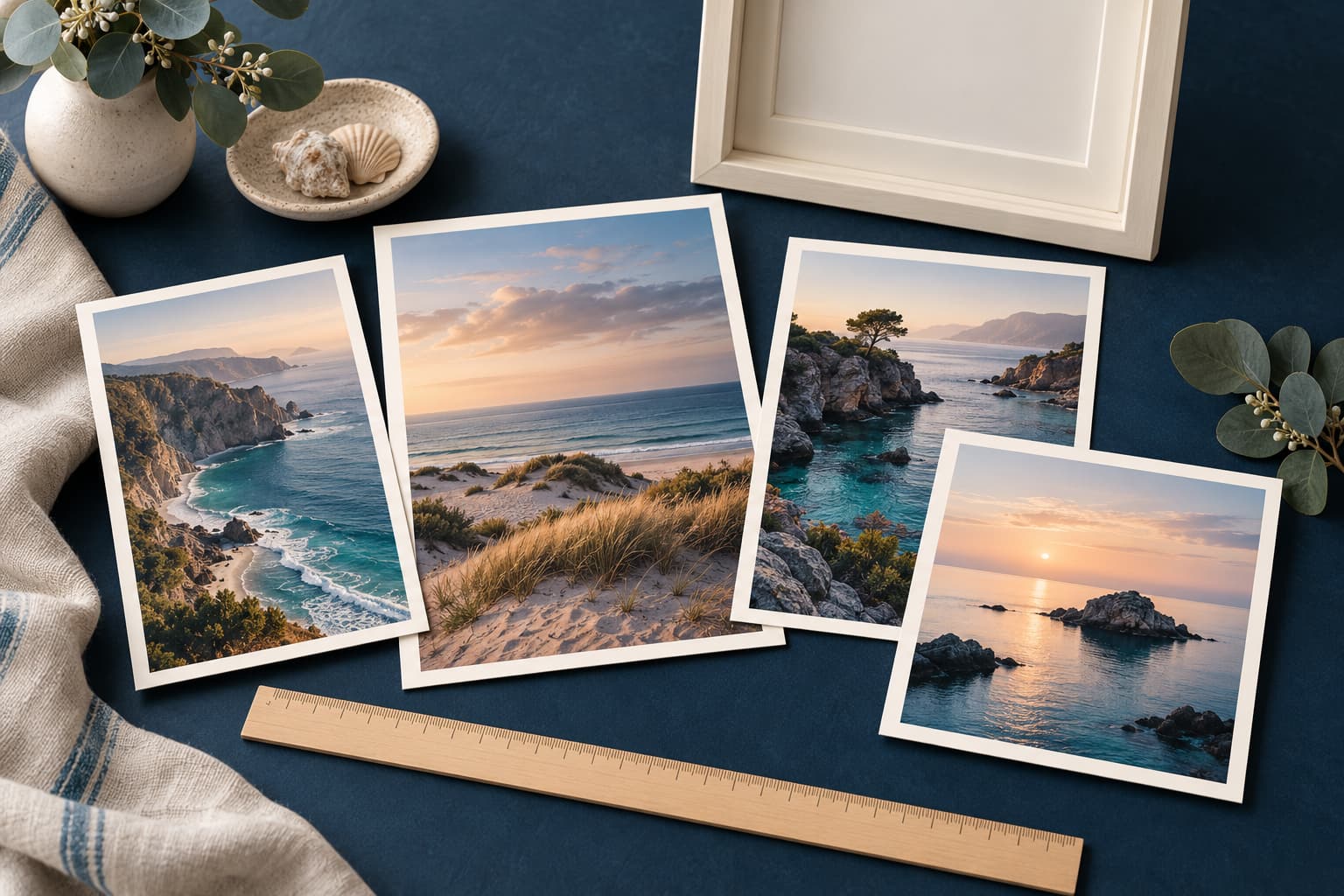
Photo size means three different measurements
Print size describes the physical paper, such as 4 × 6 inches. Pixel dimensions describe the image file, such as 1200 × 1800 pixels. Aspect ratio describes its shape, such as 2:3. A photograph can have enough pixels for a print while still needing a crop because its shape does not match the paper.
Start with the frame, album opening or lab product you plan to use. Then choose the crop and inspect the remaining pixels. This order prevents a common mistake: enlarging the file first, only to discover that the print service cuts off a face at the edge.
Standard photo sizes in inches, centimetres and pixels
The table gives exact inch-to-centimetre conversions and calculated file dimensions at 300 pixels per inch. Dimensions are shown short side first; rotate them for landscape prints. Labs may display rounded metric names. Nations Photo Lab’s size guide provides examples of common lab print formats.
| Print size | Exact size in cm | Aspect ratio | Pixels at 300 PPI |
|---|---|---|---|
| 3.5 × 5 in | 8.89 × 12.70 | 7:10 | 1050 × 1500 |
| 4 × 4 in | 10.16 × 10.16 | 1:1 | 1200 × 1200 |
| 4 × 6 in / 4R | 10.16 × 15.24 | 2:3 | 1200 × 1800 |
| 5 × 7 in | 12.70 × 17.78 | 5:7 | 1500 × 2100 |
| 6 × 8 in | 15.24 × 20.32 | 3:4 | 1800 × 2400 |
| 8 × 10 in | 20.32 × 25.40 | 4:5 | 2400 × 3000 |
| 8 × 12 in | 20.32 × 30.48 | 2:3 | 2400 × 3600 |
| 11 × 14 in | 27.94 × 35.56 | 11:14 | 3300 × 4200 |
| 12 × 18 in | 30.48 × 45.72 | 2:3 | 3600 × 5400 |
| 16 × 20 in | 40.64 × 50.80 | 4:5 | 4800 × 6000 |
These are pixel targets, not a guarantee of photographic sharpness. A blurred source with those dimensions can still look blurred. Adobe’s print-resolution guidance uses 300 PPI as a high-quality close-viewing reference and explains that viewing distance affects what is suitable.
What size is a 4R photo?
A 4R photo is commonly 4 × 6 inches. Using 2.54 centimetres per inch gives 10.16 × 15.24 cm. At 300 PPI, multiply 4 by 300 and 6 by 300 to get 1200 × 1800 pixels. For a landscape file, use 1800 pixels wide and 1200 high.
Photobook Worldwide’s 4 × 6 print listing identifies this format as 4R. Check the selected seller’s actual trim and border choices, especially if an album pocket or frame opening leaves little tolerance. A product called 10 × 15 cm may be a rounded description or a different physical trim.
Calculate pixels from the final print size
Required pixels = printed inches × target PPI, calculated separately for width and height. For an 8 × 10-inch print at 300 PPI, the calculation is 8 × 300 = 2400 pixels and 10 × 300 = 3000 pixels. For centimetres, divide by 2.54 before multiplying by PPI.
To work backward, divide available pixels by the planned printed inches. A cropped file measuring 1600 × 2000 pixels would provide 200 PPI at 8 × 10 inches. Whether that is suitable depends on source detail, viewing distance, paper and the lab’s requirements. Order a test rather than treating one number as an absolute pass or fail.
PPI describes image pixels per printed inch. Printer DPI describes output dots. The terms are often mixed in upload instructions, so confirm whether the lab needs particular pixel dimensions, a resolution tag or both. Changing the tag alone cannot create new captured detail.
Crop or add borders when the shapes differ
A 4:3 phone photograph does not naturally fill a 2:3 sheet such as 4 × 6 inches. Consider a landscape image measuring 4000 × 3000 pixels. To crop it to 3:2 while retaining the 4000-pixel width, its height becomes about 2667 pixels. Roughly 333 pixels of height must be removed; you decide where that trimming happens.
Alternatively, fit the complete 4:3 photo within a 6 × 4-inch sheet. At 4 inches high, it is about 5.33 inches wide, leaving side borders. This preserves the whole image. The border is not an editing failure; it is the consequence of matching different rectangles without cutting the photo.
Check whether the lab offers “fill” or “fit.” Fill typically crops to occupy the paper. Fit preserves the image and can leave borders. Borderless printing may also trim slightly around the edges, so keep important details away from the boundary.
Choose a print size for an old or restored photograph
Use the best scan you have, and keep it untouched. Inspect the original for actual facial detail, scratches and fading before choosing a large print. Our 300 versus 600 DPI scanning guide explains how capture resolution affects the starting file.
Restoration and enlargement solve different problems. A restoration may improve damage or tonal appearance; an enlargement adds output pixels. Neither proves that a tiny face now contains verified historical detail. See our restoration print-quality checklist for evaluating the exported file and ordering a proof.
Before sending the file to a photo lab
- Confirm the paper’s actual finished dimensions and the frame’s image opening.
- Set the intended aspect ratio and choose the crop yourself.
- Check pixel dimensions after cropping, then calculate effective PPI.
- Follow the lab’s file-format, color-profile and file-size instructions.
- Review its fit, fill and border preview for clipped faces or captions.
- Order one proof when the print matters before committing to a larger batch.
If a family scan needs digital repair before this process, explore Renew’s old-photo restoration workflow. Preserve the source, review the restored result, and choose the print size from the actual exported file rather than the app preview.
Frequently asked questions
What is the standard photo print size?
4 × 6 inches is a common everyday photo print size, but there is no single size for every use. Choose the paper or frame size first, then check the photo’s aspect ratio and pixel dimensions so the crop and print quality suit that output.
Is 4R the same as a 4 × 6 photo?
Yes. 4R commonly means 4 × 6 inches, which is exactly 10.16 × 15.24 cm or 101.6 × 152.4 mm. At 300 pixels per inch, the file dimensions are 1200 × 1800 pixels. Check the lab’s finished dimensions and border options before ordering.
How many pixels do I need for a 5 × 7 print?
At 300 pixels per inch, a 5 × 7-inch print needs 1500 × 2100 pixels after cropping. Multiply each side in inches by the target PPI. The original file may need more pixels if substantial cropping is required.
Will a 4:3 phone photo fit a 4 × 6 print?
A 4:3 photo and a 4 × 6 print have different aspect ratios. To fill the paper, crop part of the image; to preserve the whole image, fit it inside the paper with borders. Review the preview so faces and important details are not trimmed.
Is a 10 × 15 cm print exactly the same as 4 × 6 inches?
No. Exactly 4 × 6 inches is 10.16 × 15.24 cm. A lab may use 10 × 15 cm as a rounded product name or sell a distinct metric size. Confirm its actual finished dimensions when fitting a precise frame or album opening.
Does changing a photo to 300 DPI make it sharper?
Changing the resolution label without resampling does not add image detail. What matters is the available pixel count divided by the printed dimensions, alongside the quality of the source. Resampling can add pixels, but it does not prove that missing detail was recovered.
Frequently Asked Questions
What is the standard photo print size?
4 × 6 inches is a common everyday photo print size, but there is no single size for every use. Choose the paper or frame size first, then check the photo’s aspect ratio and pixel dimensions so the crop and print quality suit that output.
Is 4R the same as a 4 × 6 photo?
Yes. 4R commonly means 4 × 6 inches, which is exactly 10.16 × 15.24 cm or 101.6 × 152.4 mm. At 300 pixels per inch, the file dimensions are 1200 × 1800 pixels. Check the lab’s finished dimensions and border options before ordering.
How many pixels do I need for a 5 × 7 print?
At 300 pixels per inch, a 5 × 7-inch print needs 1500 × 2100 pixels after cropping. Multiply each side in inches by the target PPI. The original file may need more pixels if substantial cropping is required.
Will a 4:3 phone photo fit a 4 × 6 print?
A 4:3 photo and a 4 × 6 print have different aspect ratios. To fill the paper, crop part of the image; to preserve the whole image, fit it inside the paper with borders. Review the preview so faces and important details are not trimmed.
Is a 10 × 15 cm print exactly the same as 4 × 6 inches?
No. Exactly 4 × 6 inches is 10.16 × 15.24 cm. A lab may use 10 × 15 cm as a rounded product name or sell a distinct metric size. Confirm its actual finished dimensions when fitting a precise frame or album opening.
Does changing a photo to 300 DPI make it sharper?
Changing the resolution label without resampling does not add image detail. What matters is the available pixel count divided by the printed dimensions, alongside the quality of the source. Resampling can add pixels, but it does not prove that missing detail was recovered.
Continue restoring
Related Photo Guides
Family History
Restore Old Photos for Genealogy: Preserve the Evidence
Restore ancestor photos while preserving originals, captions, uniforms, dates, provenance, and a clear boundary between repair and invention.
Read guideDamage Repair
Remove a Crease From an Old Photo Without Changing Faces
Repair fold lines in the right order, protect facial landmarks and clothing, and reject smooth results that quietly rewrite the person.
Read guideColor Restoration
Restore Faded 1970s Color Photos Without Neon Skin
Correct magenta, yellow, and washed-out color casts while protecting natural skin, clothing, décor, and the era's original palette.
Read guide