AI tattoo generator for iPhone
Turn a Tattoo Idea Into Designs You Can Actually Compare
Tattoo Dream is an iPhone app for people who already want a tattoo but need help turning a rough idea into visual options. Describe the subject, explore different styles, compare results, and take the strongest concept to a professional artist for refinement.
- Move past a vague idea
- Compare styles side by side
- Bring a better brief
Available on the App Store for iPhone.
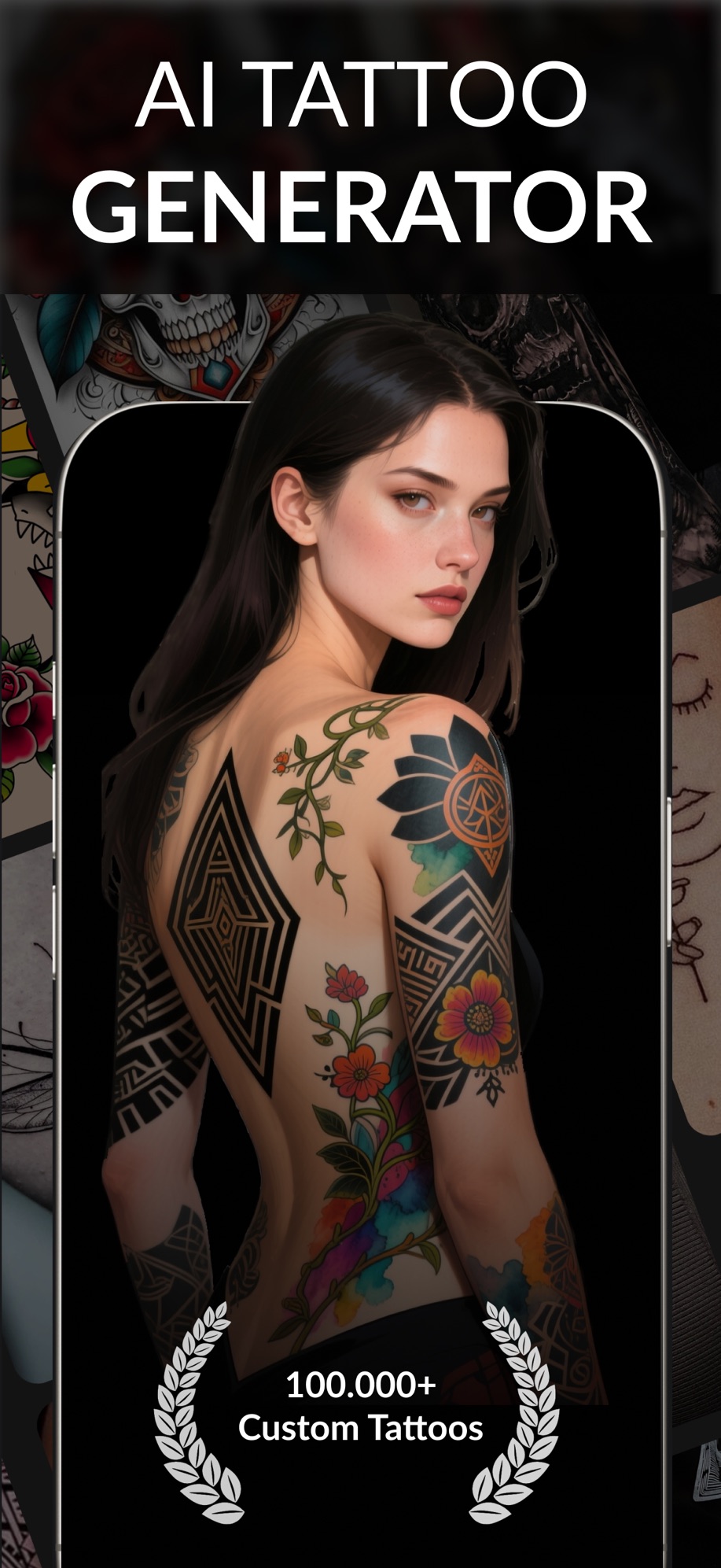
Start with a subject or rough tattoo idea.
Product access
Live iPhone app
The App Store listing is available under ID 6740994455.
Visible workflow
Idea → style → result
The product screenshots show the generation and comparison flow before download.
Clear boundary
Artist review still matters
Tattoo Dream helps with ideation; placement, anatomy, safety, and final execution belong with a qualified artist.
Your first session
Start with one useful task
- 01
Write a small, specific brief
Name the subject, style and intended placement. For example: a botanical forearm concept with simple line work. Keep lettering and fine details easy to review.
- 02
Compare one change at a time
Keep the subject fixed while exploring a different style or composition. Save a short list rather than generating endless unrelated ideas.
- 03
Take the reference to an artist
Discuss the size, placement and which details need simplification. Treat a generated stencil as a starting point that the artist adapts for your skin and the final work.
Choose for your needs
When Tattoo Dream fits
You have a subject in mind, want to explore styles, and need a visual reference for an artist. Tattoo Dream helps you compare concepts before making a permanent decision.
When another option may help
If you want to draw every line yourself, use a drawing editor. If you need a live AR placement preview, check that feature separately. An AI design still needs an artist's review for scale, placement and line work.
Before you download
A few practical details for your first session.
Take your shortlisted designs to an artist for final decisions about placement, scale and line work. Review how uploaded images are handled in the privacy policy.
Product details checked October 7, 2026
Questions about Tattoo Dream
Can Tattoo Dream design a tattoo from my description?
Yes. You can describe the subject and direction you want, then generate visual concepts to compare and refine.
Can I use the result as a tattoo stencil?
You can use an exported design as a reference, but your tattoo artist should adapt the final stencil for placement, scale, skin, and line longevity.
Does an AI tattoo generator replace a tattoo artist?
No. It speeds up ideation and communication. A professional artist is still responsible for the final design decisions and safe application.
Where can I get Tattoo Dream?
Tattoo Dream is available for iPhone from its App Store listing.
Can I explore different tattoo styles from one idea?
Yes. Keep your subject consistent and compare different styles or compositions. Save the strongest references and discuss them with your tattoo artist.
What should I include in a tattoo prompt?
Include the subject, style, intended placement and a simple composition. Compare the result with your artist before using it for a permanent tattoo.
A little help before your first try
Make your next step a useful one
Explore Tattoo Dream and start with one task.
Explore all Tattoo Dream features